Integrations
LobeChat
Trace LobeChat conversations in Muster — set four env vars and toggle analytics in Settings.
LobeChat is an open-source ChatGPT-style UI. With Muster (langfuse) configured, every chat interaction is traced — usage, cost, and per-model performance.
Setup
1. Get Muster API keys
Sign up at your Muster instance and copy the public/secret keys from your project settings.
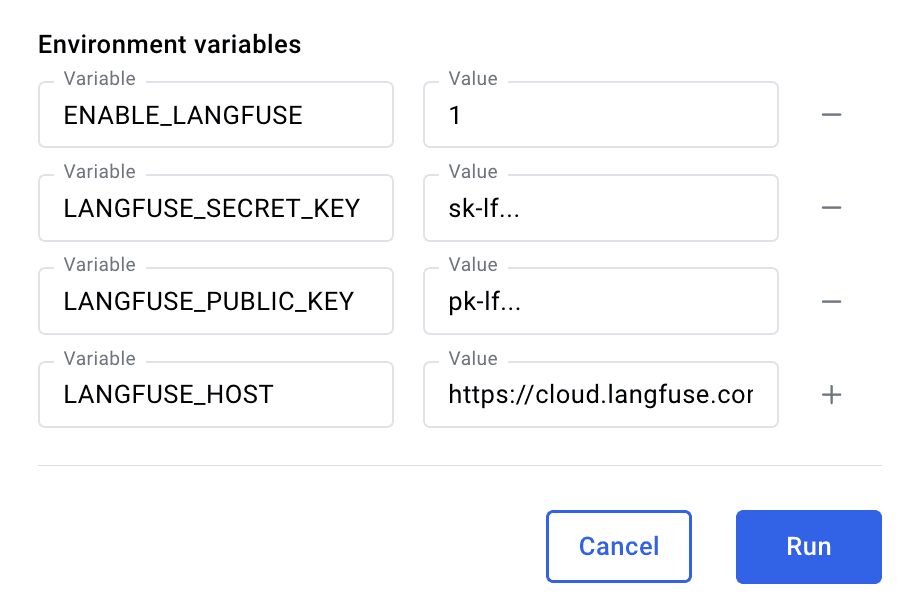
2. Set environment variables before launching LobeChat
ENABLE_LANGFUSE=1
LANGFUSE_SECRET_KEY=sk-lf-...
LANGFUSE_PUBLIC_KEY=pk-lf-...
LANGFUSE_HOST=https://app.getmuster.io
In Docker Desktop, add these as Environment variables when running the LobeChat container:
3. Enable analytics in LobeChat
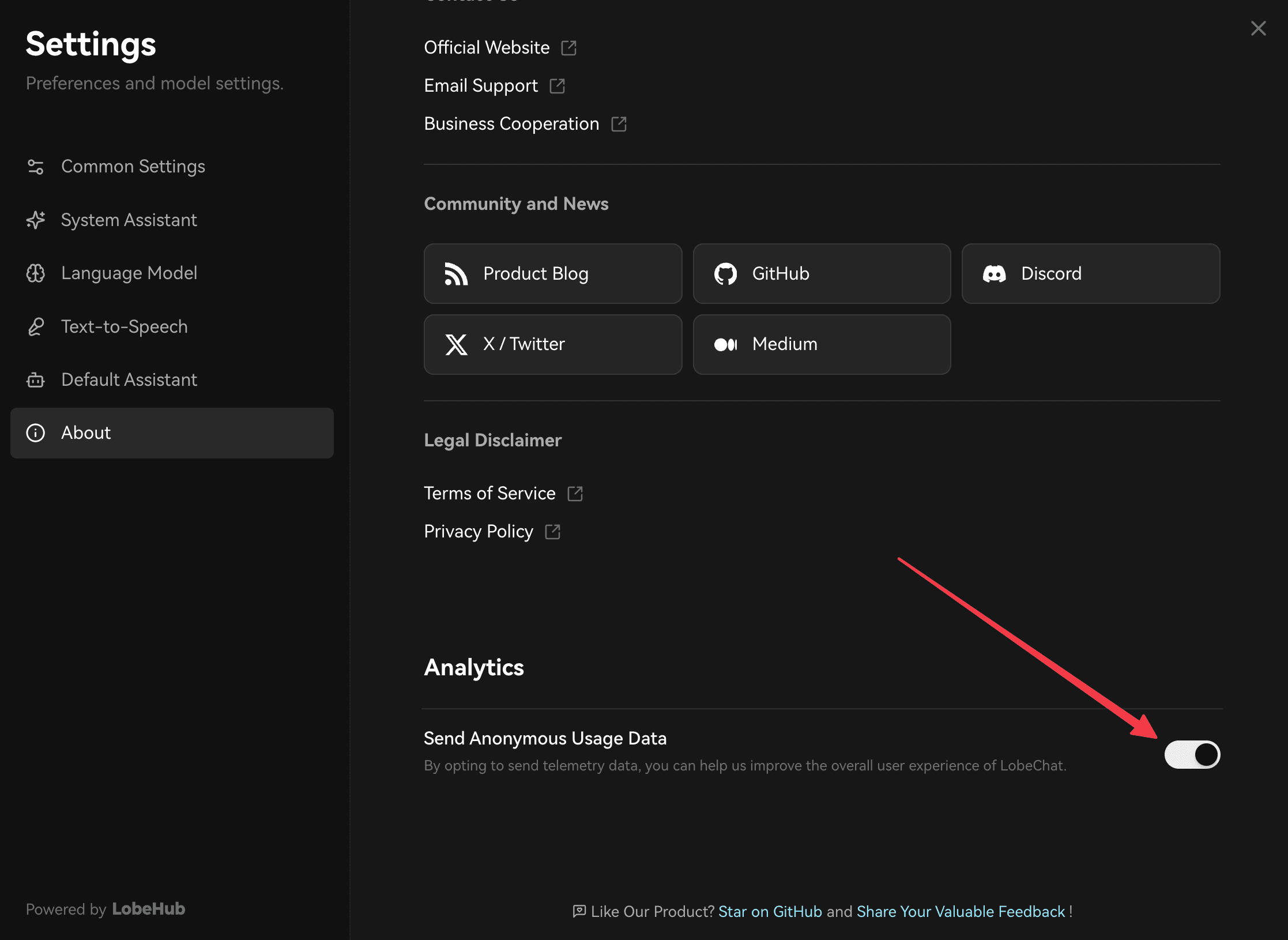
In LobeChat, go to Settings → About and enable analytics so traces are sent to Muster.
4. Use it
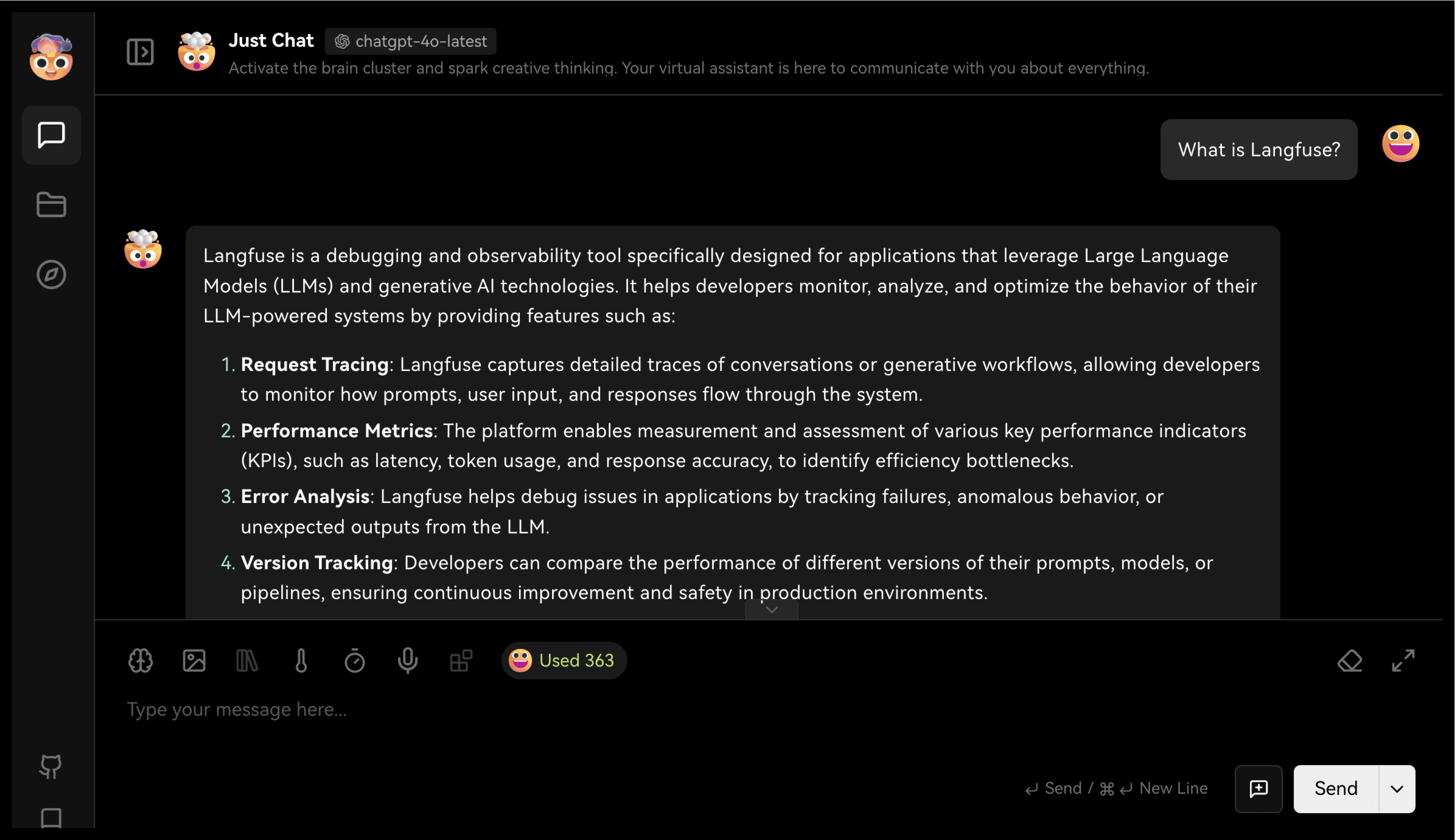
Configure your LLM credentials in LobeChat and start chatting.
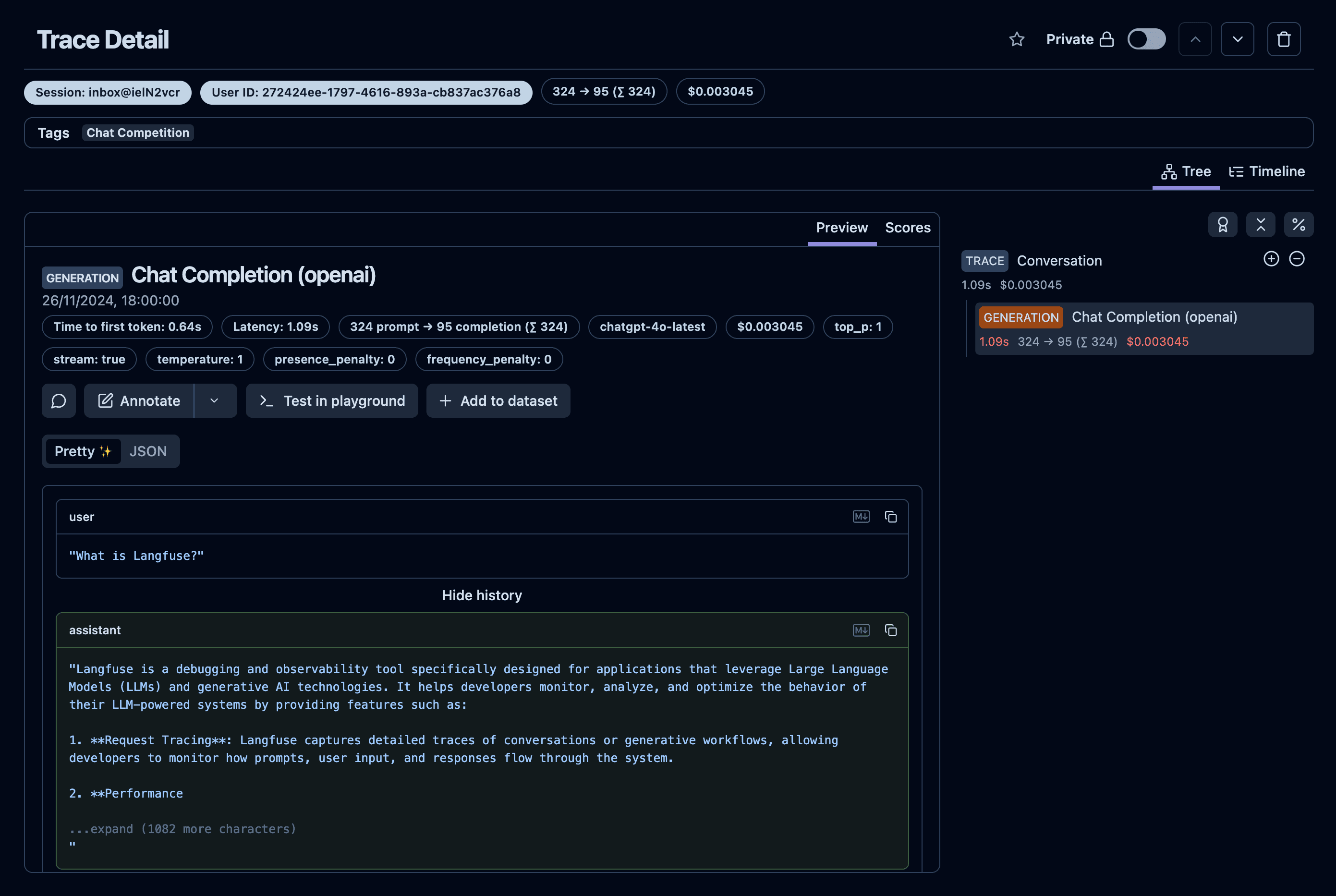
Traces appear in your Muster Traces table: