Integrations
Ollama (local models)
Trace local LLMs running through Ollama in Muster via the OpenAI-compatible endpoint.
Ollama lets you run large language models locally — Llama 3.1, Mistral, Qwen, Gemma, and more — packaging weights, configuration, and runtime into a single binary. Because Ollama exposes an OpenAI-compatible API, you trace it in Muster the same way you trace OpenAI: change the import.
Example 1: Llama 3.1
1. Pull the model
ollama pull llama3.1You can test the OpenAI-compatible endpoint with curl:
curl http://localhost:11434/v1/chat/completions \
    -H "Content-Type: application/json" \
    -d '{
        "model": "llama3.1",
        "messages": [
            {"role": "system", "content": "You are a helpful assistant."},
            {"role": "user", "content": "Hello!"}
        ]
    }'
2. Configure Muster credentials
import os

os.environ["LANGFUSE_PUBLIC_KEY"] = "pk-lf-..."
os.environ["LANGFUSE_SECRET_KEY"] = "sk-lf-..."
os.environ["LANGFUSE_BASE_URL"] = "https://app.getmuster.io"
pip install langfuse openai --upgrade3. Use the Muster OpenAI wrapper
from langfuse.openai import OpenAI

client = OpenAI(
    base_url="http://localhost:11434/v1",
    api_key="ollama",  # required, but unused
)

response = client.chat.completions.create(
    model="llama3.1",
    messages=[
        {"role": "system", "content": "You are a helpful assistant."},
        {"role": "user", "content": "Who was the first person to step on the moon?"},
    ],
)
print(response.choices[0].message.content)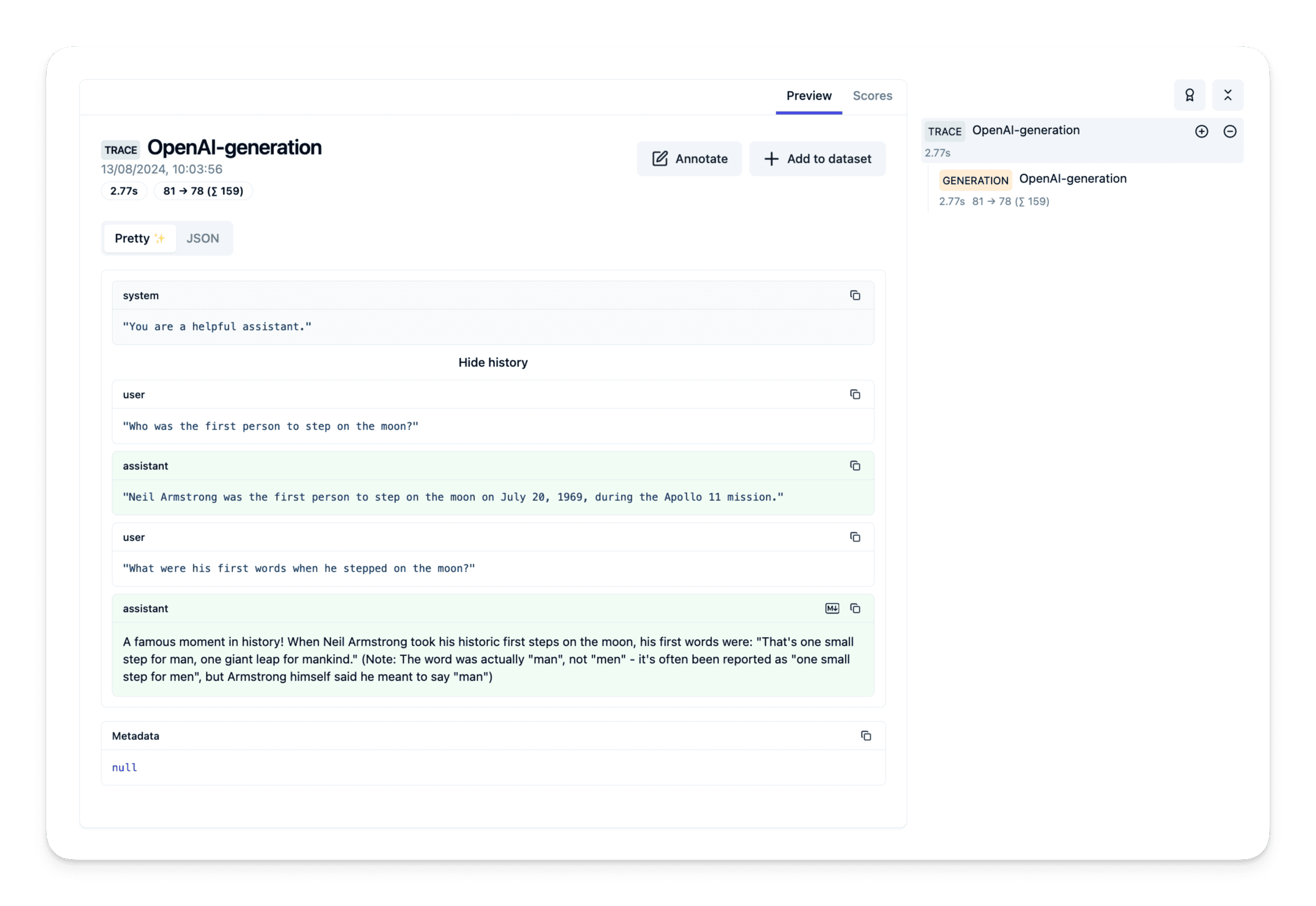
Example 2: Mistral 7B
ollama pull mistralfrom langfuse.openai import OpenAI
client = OpenAI(
base_url="http://localhost:11434/v1",
api_key="ollama",
)
response = client.chat.completions.create(
model="mistral",
messages=[
{"role": "system", "content": "You are a helpful assistant."},
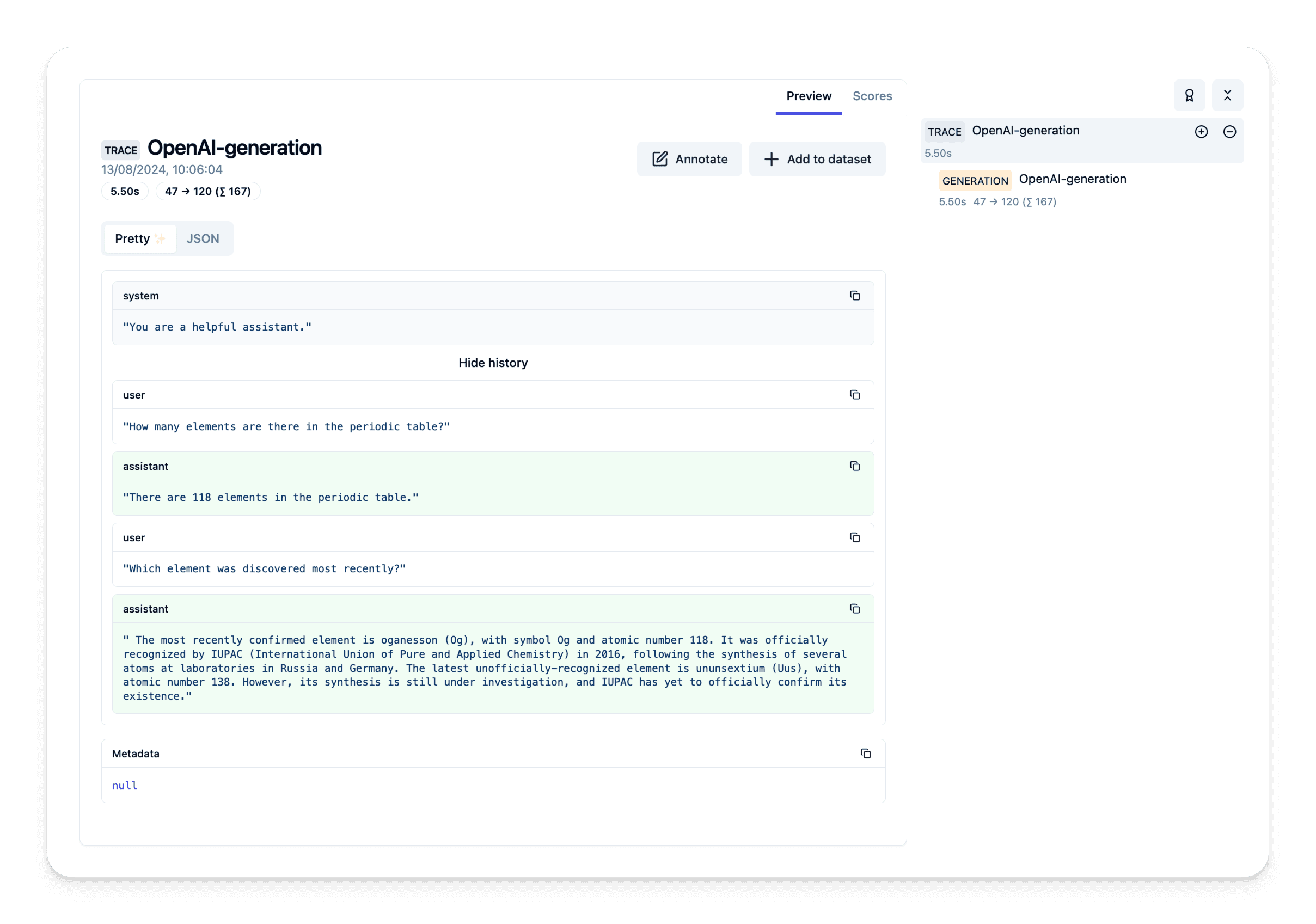
{"role": "user", "content": "How many elements are there in the periodic table?"},
],
)
print(response.choices[0].message.content)